CrewTaskRelay
Try the demo

YOUR CREW. IN SYNC.

Pass the work, not the confusion.

When a task changes hands, the next person confirms they’ve got it. If they’re stuck, they say why.

See how it works
ILLUSTRATED JOB SITE
SCROLL TO WALK THE SITE

THE SITE IS BIG. THE NEXT STEP SHOULD BE CLEAR.

From the huddle
to the work.

CrewTaskRelay puts daily assignments, acknowledgements, and blockers on your crew’s phones. The task, the place, and the next step stay together.

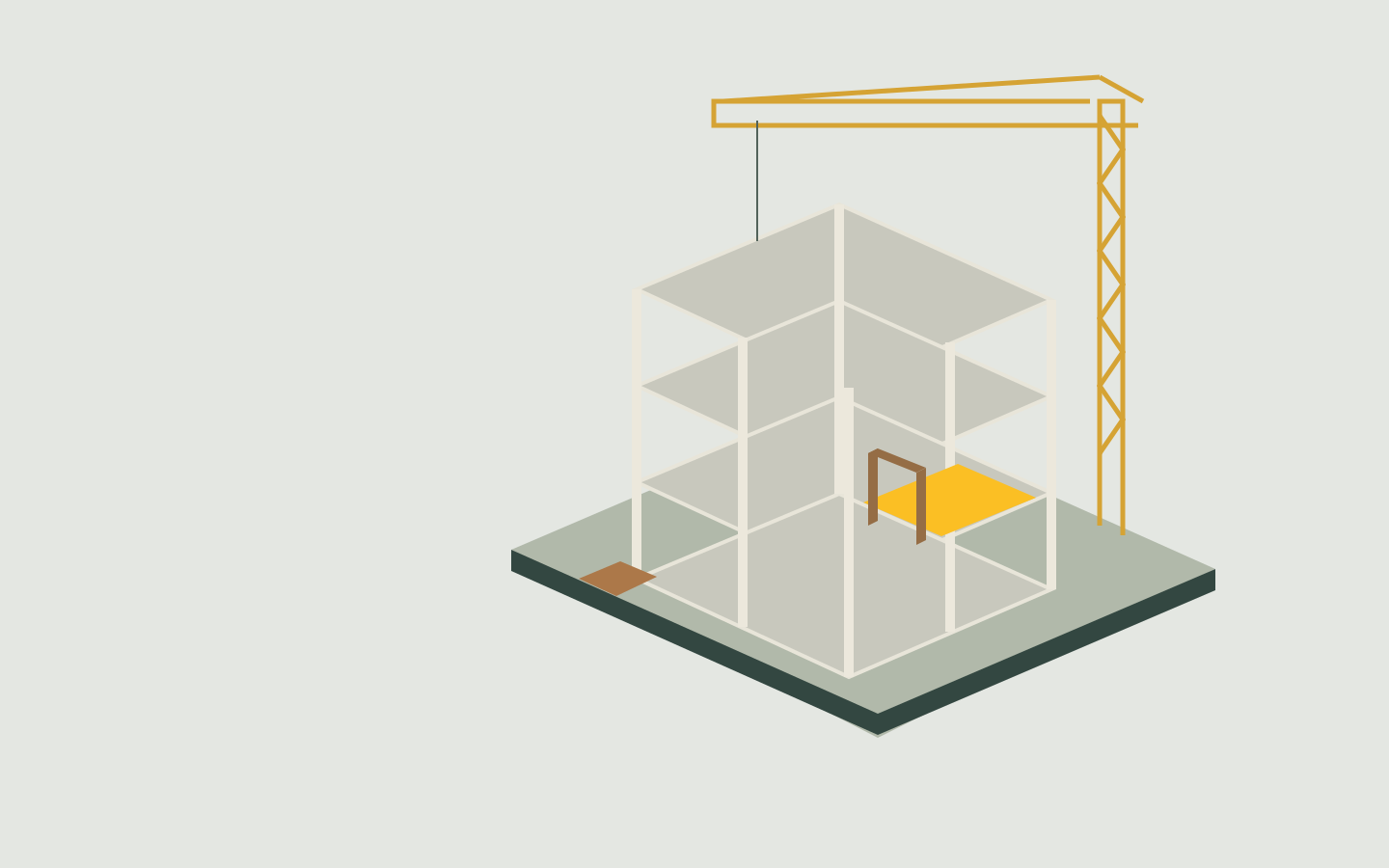
The walkthrough illustrates a handoff. The phone screen shows the actual app with sample data.

Open the working demo
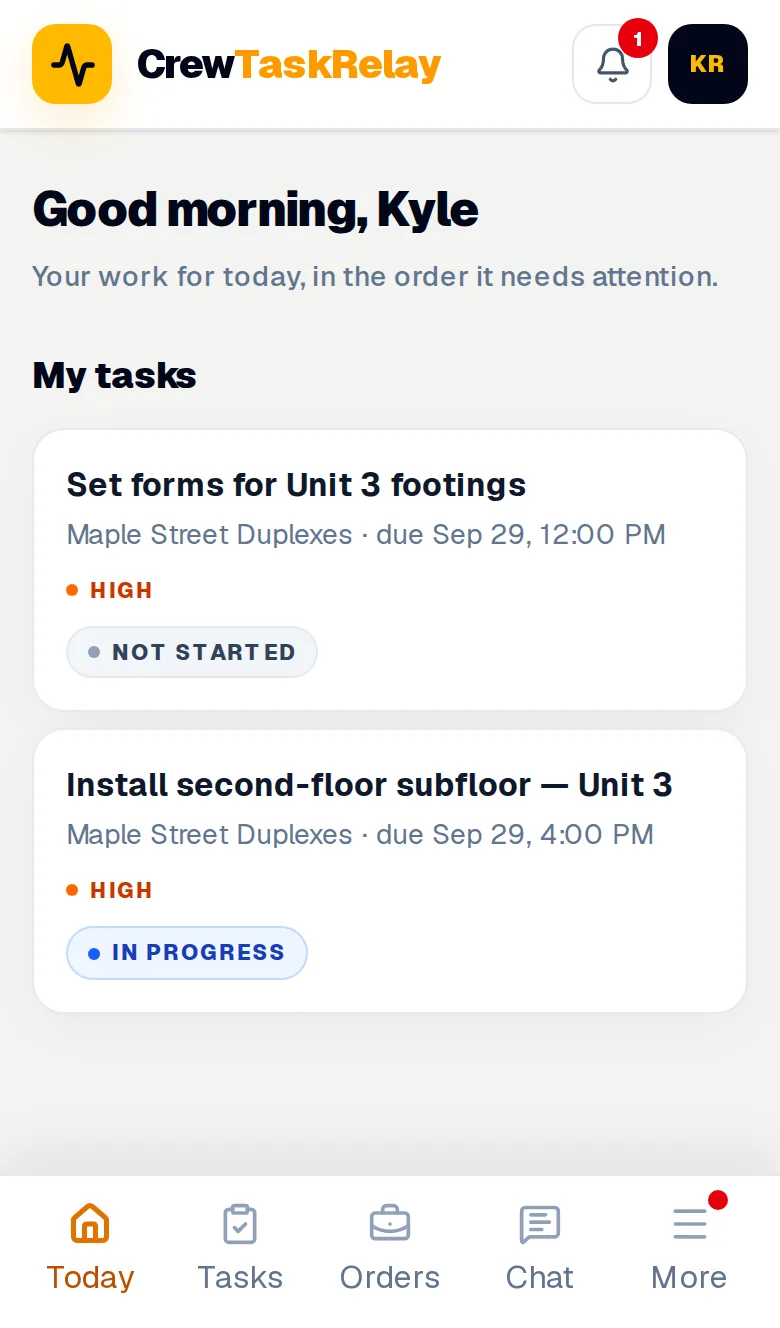
CrewTaskRelay crew Today screen showing assigned tasks and their statuses
THE CREW’S VIEW · SAMPLE DATA

A handoff you can follow.

  1. Assign it. The supervisor assigns “Install doors on floor two” to the door crew. Status: Not Started.
  2. Acknowledge it. The foreman confirms receipt. Status: Acknowledged.
  3. Surface the blocker. The crew reports missing door hardware. Status: Blocker. Reason: Missing Materials.
See the supervisor’s view

FOR SUPERVISORS, FOREMEN, AND THE CREW

Know what needs
your attention.

A missing delivery shouldn’t take three phone calls to explain. See the blocker, its reason, and the task it affects.

For the crew
Open your assigned work. Confirm you’ve got it. Add a reason when there’s a blocker.
For the supervisor
See open work and blockers across the site. Follow up with the right person and the context in front of you.
For the handoff
Keep the assignment, updates, and timestamps together. Supervisors make the decisions.
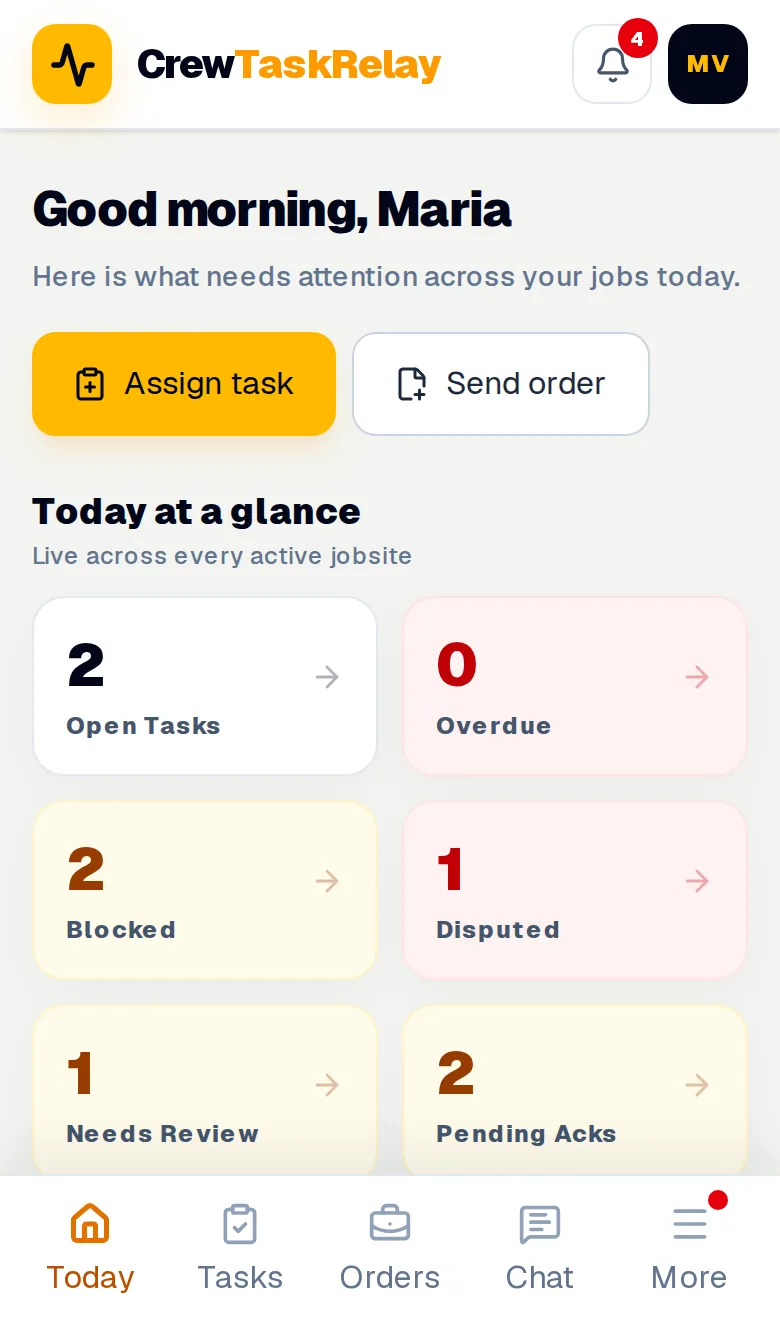
Supervisor Today screen with open, overdue, and blocker counts, and tasks that need attention
THE SUPERVISOR’S VIEW · SAMPLE DATA

BEFORE THE NEXT HUDDLE

Practical questions.
Straight answers.

Talk about your crew
Does everyone need to install an app?

No app-store download is needed. CrewTaskRelay runs in a web browser. Each person signs in to the account their company provides.

Does it replace our scheduling or payroll?

No. It handles daily assignments, acknowledgements, and blockers. Your estimating, scheduling, and payroll stay in the systems you already use.

Does it work without a connection?

You need an internet connection to load current work and send updates. Offline task updates are not supported.

Is the 3D walkthrough part of the app?

The walkthrough is an illustration of a handoff on site. The product is the task and communication app shown in the phone screens. It is not a BIM tool or a 3D site viewer.

Can I try it before involving my crew?

Yes. Open the demo and choose a sample role on the sign-in screen. The demo uses fictional people and jobs. Do not enter real crew or job information.

How do we get started on a real site?

Email us about your crew. We’ll discuss the site, the handoff you want to improve, and the scope and terms of a pilot. Public self-service signup is not open.

START WITH ONE CREW

Give the next shift
a clearer start.

Tell us what you build, how many people are on your crew, and which handoff keeps getting lost.